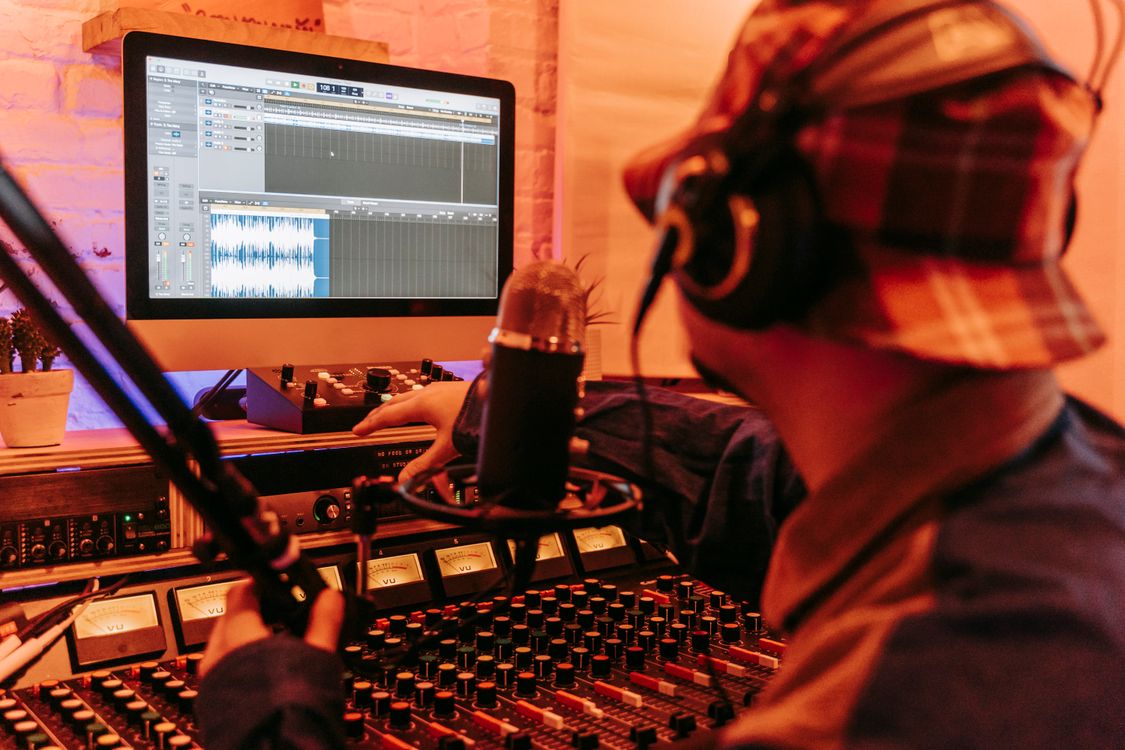
Trap is the dominant sound in hip-hop right now, and it has been for over a decade. But a lot of producers still approach it wrong — they focus too much on making it sound "hard" and not enough on making it sound right. The difference between a trap beat that slaps and one that sits flat comes down to execution at every layer: the hi-hats, the 808, the chords, the kick and snare placement, and how everything mixes together.
This guide walks you through building a trap beat in FL Studio from scratch. Whether you're just getting started or you've been cooking beats for a while and want to tighten up your process, these are the fundamentals that separate the real ones from the producers who are just imitating what they hear.
Step 1: Set Your Tempo and Grid
Trap lives between 130 and 145 BPM. If you're going for that harder, more aggressive Atlanta sound, 140–145 is your range. If you're doing something more melodic or Southern-leaning, 130–138 gives you more room to breathe. Open FL Studio, set your tempo at the top, and make sure your time signature is 4/4.
In the Channel Rack, set your quantization to 1/16 note for the foundation. You'll go smaller for hi-hat programming. Create a new pattern and name it — even at the start, staying organized saves time when the beat gets deep.
Step 2: Build the Drum Foundation — Kick and Snare
Open your drum sampler (FPC or a third-party kit loaded into a Sampler channel). Load in your kick and snare. Trap drum placement is formulaic for a reason — it works. Here's the standard framework:
- Kick on beats 1 and 3 — that's steps 1 and 9 on a 16-step grid
- Snare on beats 2 and 4 — steps 5 and 13
- Add ghost kicks at steps 3, 7, or 11 to create forward motion and variation
- A kick on the "and" of beat 4 (step 15) gives you that gallop into the next bar
Keep the kick tight. Don't over-tune it yet — get the placement right first. Snares in trap are usually short, punchy, and layered. Stack two or three snare samples at the same grid position: a tight snare, a clap, and a rimshot. Lower the velocity on one or two of them so they don't all hit at the same level. That slight inconsistency adds life.
Right-click any drum step in the Channel Rack and use the velocity panel at the bottom to humanize. Nothing in a great trap beat hits at 100% velocity on every single hit.
Step 3: Hi-Hat Patterns — Triplets, Rolls, and Velocity
This is where trap beats come alive or die. The hi-hat is your rhythm engine. Switch your step grid to 1/32 note resolution for hi-hat programming — this gives you the granularity to build real trap patterns.
Start with the basic closed hi-hat pattern:
- Place hi-hats on every other 16th note (steps 1, 3, 5, 7, 9, 11, 13, 15)
- Now accent specific ones by boosting their velocity to 90–100, and drop others to 40–60
- This creates the "bounce" that makes trap hi-hats feel alive instead of mechanical
Now add triplet hi-hat rolls. In FL Studio, to get triplets on a 16th note grid, you'll want to work in the Piano Roll instead of the Channel Rack. Open the hi-hat channel in Piano Roll, zoom in, and place notes manually in groups of three across a single beat. Space them evenly at triplet intervals — each note in a beat divided by three.
For the classic trap roll (the one that builds into drops or fills), duplicate one or two hi-hat notes and place them at 1/32 or 1/64 spacing to create a stutter effect. Start with 4 hi-hats in rapid succession and bring the velocity up progressively: 40, 60, 80, 100. That crescendo is the roll.
Open hi-hats are the counterpoint. Place one open hi-hat every two bars — usually on the "and" of beat 2 or beat 4. Keep its velocity slightly above the closed hi-hat for it to cut through. Use the Channel Rack's "cut itself" group feature so your open hi-hat automatically chokes the closed hi-hat and vice versa.
Humanization tip: In the Piano Roll, select all your hi-hat notes and use ALT + drag to slightly offset timing by a few ticks on some notes — not enough to hear it consciously, but enough to kill that sterile, robotic feel.
Step 4: The 808 Bass — Layering and Tuning
The 808 is the heartbeat of a trap beat. Get this wrong and nothing else matters. Here's how to do it right in FL Studio:
Load your 808 sample into a Sampler channel. Go to the channel settings and make sure you have pitch modulation enabled so the 808 follows the notes you play in the Piano Roll. This is critical — many beginners skip this and wonder why their 808 sounds flat or out of key.
- In the Sampler settings, under "Miscellaneous functions," set the base note of the sample to match its actual pitch. Most 808s are tuned to C. Check your sample and set it correctly or your tuning will be off from the start.
- Open the Piano Roll and program your 808 notes. Long notes sustain through the bar — that's the trap 808 slide. Shorter notes punch.
- For the 808 slide, overlap two consecutive 808 notes by a small amount in the Piano Roll. FL Studio's Sampler will pitch-glide from one to the next, giving you that classic "Southside" slide effect.
Layering: A single 808 sample rarely sounds complete. Layer it with a short sub bass hit (a sine wave or a tight 808 punch) at the same pitch. The punch sample gives you the attack transient that hits in headphones and small speakers. The 808 tail carries the weight in the low end. Tune both layers to the same note and group them to the same mixer channel.
In the mixer, put the 808 on its own channel. Use a Parametric EQ 2 to roll off anything below 30Hz (sub-rumble that wastes headroom) and anything above 200–250Hz (where it starts conflicting with your snare). Slight compression with a slow attack lets the initial punch breathe before the sustain kicks in.
Step 5: Dark Minor Chord Progressions
Trap melodies live in minor keys. The emotional weight of trap music comes from minor tonality — flat 6ths, flat 7ths, diminished chords layered under dark pads and strings.
Open the Piano Roll for a chord instrument (a pad, strings, or keys loaded into a plugin like Nexus, Omnisphere, or even FL's native Harmor or Sytrus). Here's a simple dark progression to start with in the key of C minor:
- Cm (C – Eb – G)
- Ab major (Ab – C – Eb)
- Bb major (Bb – D – F)
- Gm (G – Bb – D)
Play these as long, sustained chords — one chord per bar or two bars each. Trap chord progressions move slowly. Don't rush them. The tension comes from letting those minor chords breathe. You can also try adding the flat 9 to your minor chord (Cm with a Db) for an extra level of darkness.
Add a simple melody lead — a single-note line in the same key — over the top of the chord progression. Keep it sparse. Five to eight notes per bar is often too many. Three or four strategically placed notes in the minor scale hit harder than a crowded melody.
Step 6: Mixing the 808 to Cut Through
The most common mixing problem in trap beats is the 808 getting lost — either swallowed by the kick or competing with the bass elements. Here's the fix:
- Sidechain the 808 to the kick. In FL Studio, use Fruity Peak Controller or a sidechain-capable compressor (like Fruity Love Philter or a third-party plugin like OTT). When the kick hits, the 808 briefly ducks — this creates separation and clarity without cutting either element.
- Cut the kick's sub where the 808 lives. Use EQ on the kick to cut below 60Hz. The 808 owns the sub. The kick owns the punch (60–100Hz).
- High-pass your other instruments to free up low-end space. Your pads and melodies don't need anything below 200Hz. Cut it so the 808 has room.
- Add subtle distortion or saturation to the 808 (Fruity Fast Dist on very low settings, or Waveshaper) to give it harmonics that translate on laptop speakers and earbuds. The sub frequencies of the 808 don't play on small speakers — the harmonics do.
Put It All Together
Trap production is a craft, not a formula. The framework above gives you the building blocks — but the magic happens when you develop your own patterns, your own 808 tuning instincts, and your own melodic fingerprint. Study the producers who built trap: Southside, Metro Boomin, Zaytoven, Pi'erre Bourne. Listen to how they space sounds. How they leave silence. How the 808 leads the track rather than just sitting under it.
Build your beat, export the stems, and keep cooking. The more you run this process, the faster and more intuitive it gets.